
The Amadeo piano learning app
Learn piano. Piece by
piece.
Practise on your own piano. Amadeo listens and guides you through the piece.
For iPhone & iPad · Coming soon


Wolfgang Amadeus Mozart
The repertoire
Find your next piece.
-
Für Elise
Ludwig van Beethoven
-
Nocturne in E-flat major, Op. 9 No. 2
Frédéric Chopin
-

Rondo alla Turca (Turkish March)
Wolfgang Amadeus Mozart
-
Clair de lune
Claude Debussy
-
Ode to Joy
Ludwig van Beethoven
-
Gymnopédie No. 1
Erik Satie
-
Minuet in G major, BWV Anh. 114
Christian Petzold
-
Prelude in C major, BWV 846
Johann Sebastian Bach
-
Invention No. 1 in C major, BWV 772
Johann Sebastian Bach
-

Canon in D
Johann Pachelbel
-
Air from Orchestral Suite No. 3, BWV 1068
Johann Sebastian Bach
-
Invention No. 8 in F major, BWV 779
Johann Sebastian Bach
-
Sonata in C major, K. 545
Wolfgang Amadeus Mozart
-
Minuet in F major, K. 2
Wolfgang Amadeus Mozart
-
Sonatina, Op. 36 No. 1
Muzio Clementi
-

Pathétique: Adagio cantabile
Ludwig van Beethoven
-

Moonlight Sonata, Op. 27 No. 2 — Adagio
Ludwig van Beethoven
-
Ah, vous dirai-je, Maman — Theme, K. 265
Wolfgang Amadeus Mozart
-
Melody, Op. 68 No. 1
Robert Schumann
-
Old French Song, Op. 39 No. 16
Pyotr Ilyich Tchaikovsky
-
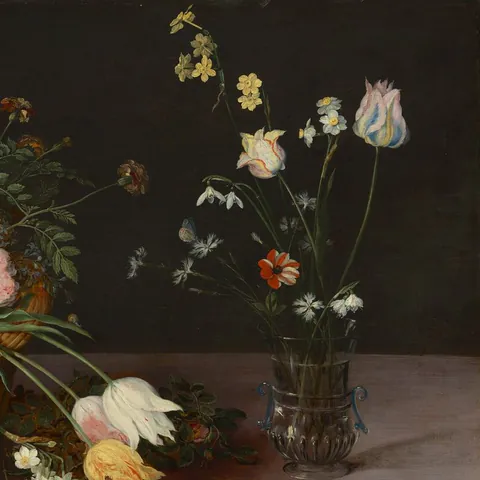
Arabesque, Op. 100 No. 2
Friedrich Burgmüller
-
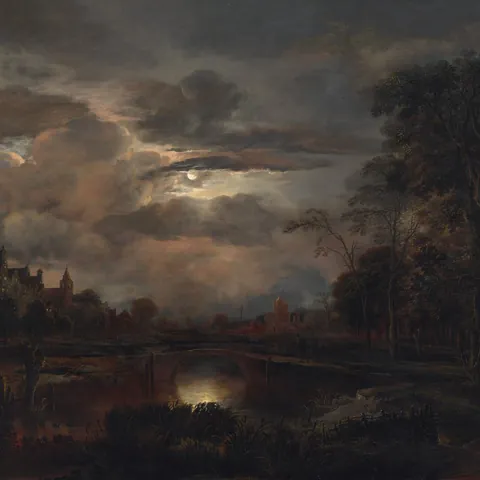
Prelude in E minor, Op. 28 No. 4
Frédéric Chopin
-

Moment musical in F minor, D 780 No. 3
Franz Schubert
-
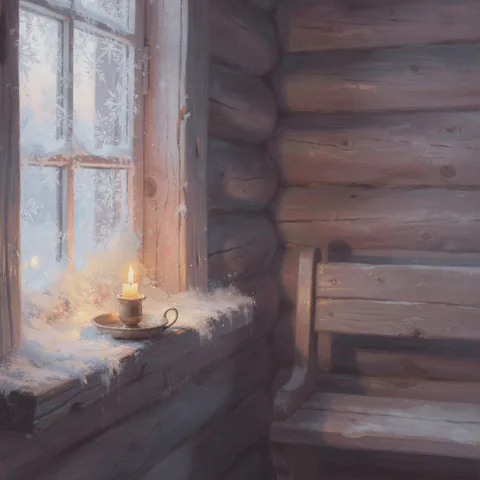
Morning Prayer, Op. 39 No. 1
Pyotr Ilyich Tchaikovsky
-

Innocence, Op. 100 No. 5
Friedrich Burgmüller
-

Lullaby, Op. 49 No. 4
Johannes Brahms
-
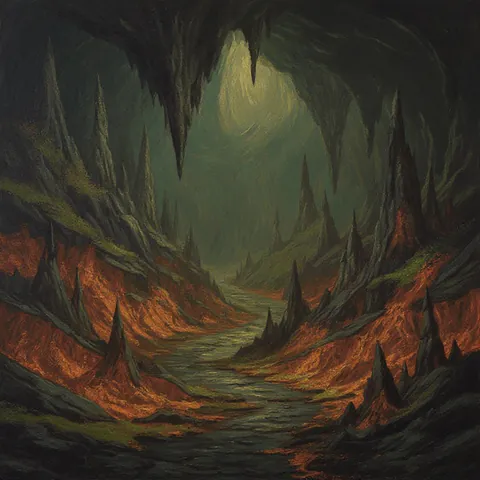
In the Hall of the Mountain King
Edvard Grieg
-
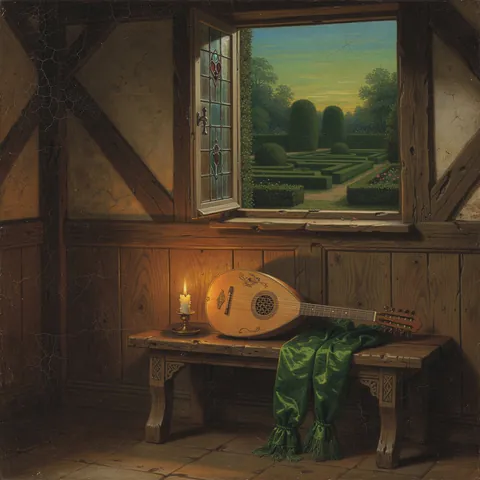
Greensleeves
Traditional
-
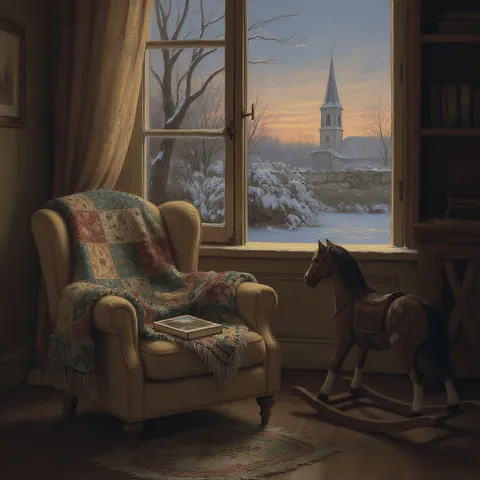
Träumerei, Op. 15 No. 7
Robert Schumann
-
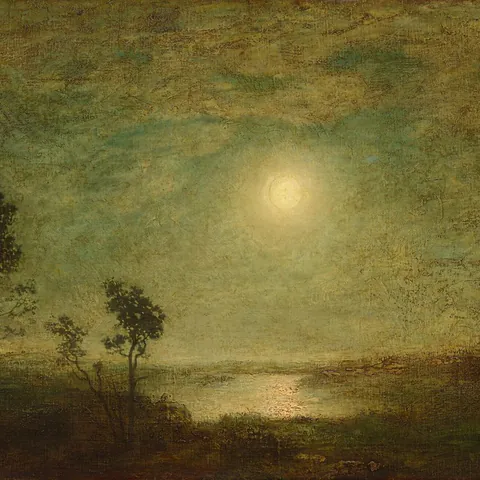
Gnossienne No. 1
Erik Satie
-
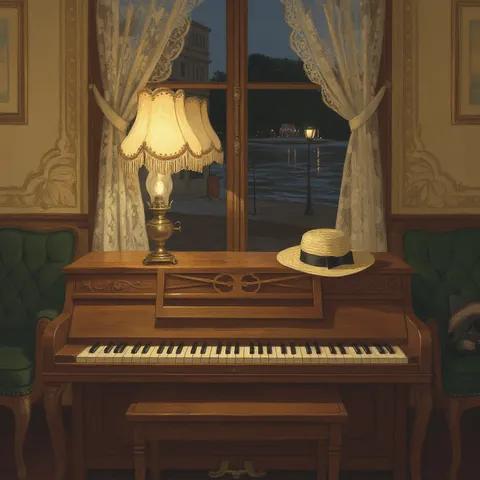
The Entertainer
Scott Joplin
-

Waltz in A minor, Op. posth. B. 150
Frédéric Chopin
-
Nocturne in B-flat minor, Op. 9 No. 1
Frédéric Chopin
-

Passacaglia (Handel–Halvorsen)
George Frideric Handel / Johan Halvorsen
-
March of the Dwarfs, Op. 54 No. 3
Edvard Grieg
-
Nocturne in C minor, Op. 48 No. 1
Frédéric Chopin
-
Nocturne in F minor, Op. 55 No. 1
Frédéric Chopin
-
Ständchen (Serenade), S. 560 No. 7
Franz Schubert / Franz Liszt
-
Widmung (Dedication), S. 566
Robert Schumann / Franz Liszt
-
Toccata and Fugue in D minor, BWV 565 (Busoni)
Johann Sebastian Bach / Ferruccio Busoni
-

Swan Lake: Scène (Swan Theme)
Pyotr Ilyich Tchaikovsky
-
Berceuse from Dolly, Op. 56
Gabriel Fauré
-

Swan Lake: Dance of the Little Swans
Pyotr Ilyich Tchaikovsky
-
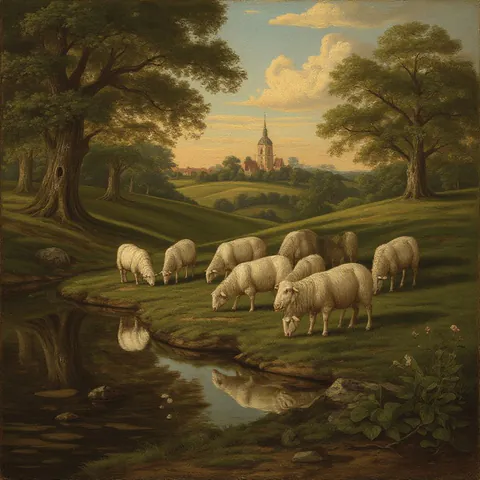
Sheep May Safely Graze, BWV 208
Johann Sebastian Bach
-
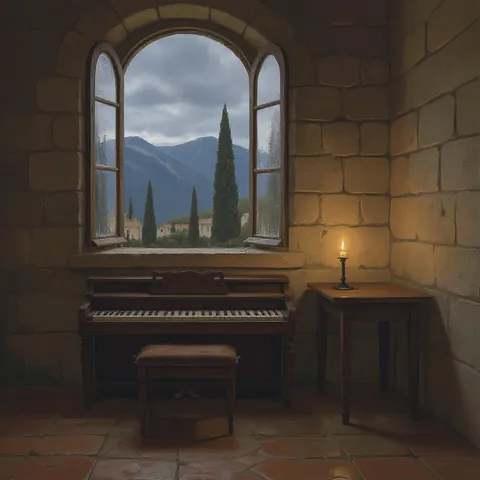
Prelude in D-flat major, Op. 28 No. 15 (“Raindrop”)
Frédéric Chopin
-
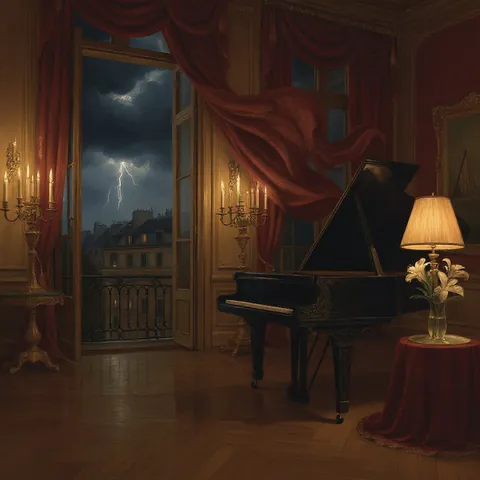
Scherzo No. 2 in B-flat minor, Op. 31
Frédéric Chopin
-

Adagio from the Concerto in D minor, BWV 974
Johann Sebastian Bach
-
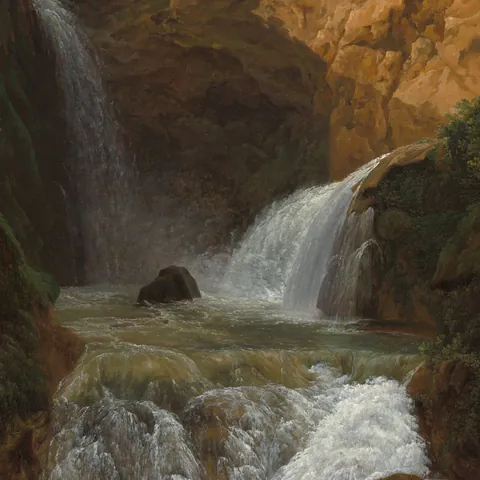
Ecossaise in E-flat major, WoO 86
Ludwig van Beethoven
-
The Earl of Salisbury Pavan
William Byrd
-
Sarabande, HWV 437
George Frideric Handel


The pieces move automatically and pause while you swipe. Use the arrow keys to browse or Space to pause movement.


The learning path
From the first bar to the whole piece.
- 01
Listen and understand.
Get to know the piece and its story.
- 02
One passage at a time.
Practise each hand. Then bring them together.
- 03
The whole piece.
Connect the sections and play with fewer guides.
One passage. Three views.
Amadeo listens, waits for the right note and shows you what you played.


The music of old enemies The Sultan’s band The Sultan’s band
In the summer of 1683 an Ottoman army besieged Vienna for two months. A century later, I wrote a piano piece in the Turkish style.
The Janissaries were the Sultan’s elite troops. Their band played big drums, cymbals, little bells and shrill shawms.
The refrain sounds like drums and cymbals. We’ll learn it early because it keeps returning, then join it to the opening.
Understand the music
The story
behind the notes.
Amadeus tells you about the composers and the stories behind their pieces. Get to know the structure of the music and what gives it its character.
The Gym
Your skills.
In focus.
See your strengths. Build the skills you need for your next piece.
- Technique
- Theory
- Reading
- Ear training
- Rhythm
Good to know
Before you
begin.
Do I need my own piano?
Yes. You play an acoustic piano, digital piano or keyboard. Amadeo listens through the microphone. You can also connect a compatible MIDI instrument directly.
Do I need to read music already?
You can start with the Waterfall view. The learning path gradually introduces the score. The Gym offers additional exercises in reading music.
Does the microphone audio leave my device?
No. Amadeo recognises the notes you play directly on your device. The microphone recording is not sent to us or to any other provider.
What can I try for free?
The first chapter of every piece is free. You can also listen to complete pieces and play them with both hands in free practice. Unlock further chapters and practice tools per piece or with Amadeo Pro.
Which devices support Amadeo?
Amadeo is being prepared for iPhone and iPad. The App Store release is still ahead. Android will follow after its own validation.
How do I manage my subscription?
Go to Profile → Account to open your store’s subscription settings. You can stop renewal there. Deleting the app or your Amadeo account does not cancel a subscription.
Can I use my progress on a second device?
Sign in to the same Amadeo account on both devices. Your learning progress syncs when connected to the internet. Individual piece purchases stay linked to that account; restoring store purchases does not move them to a different account.
Where can I get help?
Find help and contact options under Profile. With an account, you can read messages and replies in the app. If you cannot access the app, email info@amadeo-piano.com. Please do not send passwords or payment details.